Inside Automated Fitness Tracking: What Counts Toward Your Weekly Goal
See which Strava activities count toward your steps.org weekly goal, what heart rate or GPS data to check, and how the weekly price game works.
By Tiago Martins3 min read
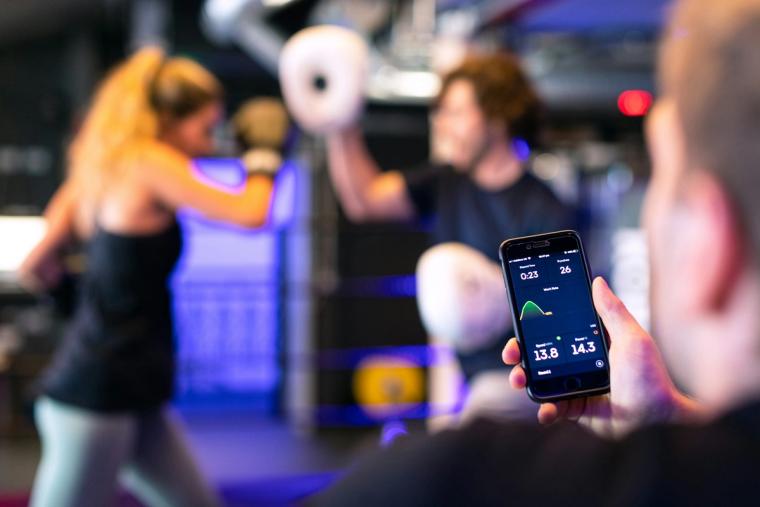
Any sport can count toward your steps.org weekly goal when it is recorded in your connected Strava account with heart rate or GPS data.
A GPS-recorded walk, a watch-recorded run, a bike-computer-recorded ride, or a heart-rate-recorded gym session can all add to your weekly minutes. Your Strava activity is the record steps.org uses.
Your Weekly Minutes Counted Automatically
Connect your Strava account, choose a weekly activity goal, and let eligible activities add to your total. There is no second activity log to fill out.
You can choose a goal from 60 to 300 weekly activity minutes. The default goal is 90 minutes.
Any sport can count when it reaches Strava with heart rate or GPS data. A recorded walk can count. So can a run, ride, gym session, or another activity recorded by your watch, bike computer, or phone.
Your minutes come from the activities in Strava that include the data steps.org needs. That makes it worth checking that your usual way of recording activity includes heart rate or GPS.
What an Activity Needs to Count
An activity needs heart rate data or GPS data to count toward your goal. Heart rate shows that your device recorded your effort. GPS records movement and route data.
Common eligible recordings include:
- A GPS-recorded walk on your phone
- A watch-recorded run with heart rate or GPS
- A bike-computer-recorded ride with GPS
- A gym session recorded with heart rate data
An activity without heart rate or GPS may not count. Before relying on an activity for your weekly total, check a recent Strava activity for either heart rate or GPS data.
The device you use can affect what data reaches Strava. A bike computer often records GPS for rides. A watch can record heart rate for a gym session or both heart rate and GPS for a run. What matters is that the activity appears in Strava with one of those data types.
How Strava Supports Your Weekly Goal
To check an activity, open it in Strava and look at its details. Look for heart rate or GPS information. If you can see either type of data on a recent activity, it can help you understand what will count toward your steps.org minutes.
steps.org is a website. You connect Strava, choose your weekly goal, and eligible activity minutes are counted from your connected account.
Your first week is a warm-up. After that, each completed week affects your price based on whether you hit your goal.
How the Weekly Goal and Price Game Work
Your price starts at $0. If you miss your weekly goal, your price goes up by $5. If you hit your goal, it comes down by $2.50, to a minimum of $0. Your price is capped at $25.
You can choose x2 or x3 stakes. These multiply the changes to your price. The aim is to keep your price at $0.
Billing is monthly, based on your daily price. Nobody wins money. Thirty percent of payments, after VAT and card fees, supports permanent carbon removal through Stripe Climate. The rest runs steps.org.
You can read the full details of how your price changes at steps.org/how-it-works.
How to Check Your Strava Activity
Check Strava before you depend on a recording for your weekly total. Open a recent walk, run, ride, or gym session and look for heart rate or GPS in the activity details.
A GPS-recorded walk is a clear example. So is a run from a watch that includes heart rate, a ride from a bike computer with GPS, or a gym session with heart rate data.
If neither heart rate nor GPS appears, the activity may not count toward your steps.org minutes. Recording another activity with a device that sends one of those data types to Strava can help you avoid surprises.
Choose Your Goal and Start Playing
What counts toward a steps.org weekly goal is straightforward: any sport recorded in Strava with heart rate or GPS. Choose a goal from 60 to 300 minutes, with 90 minutes as the default, and check that your usual recordings include the data you need.
The first week is a warm-up. Then your weekly result affects your price. Keep your price at $0: that is the game.
Make Your Tracking Work For You
Connect Strava, choose a weekly goal, and let eligible activities count toward it. A quick look at a recent Strava activity can show whether your device records heart rate or GPS.
When you are ready, get started.